New York Public Library
Improving how users discover, borrow, and manage books through a redesign of the New York Public Library mobile app
What is the New York Public Library?
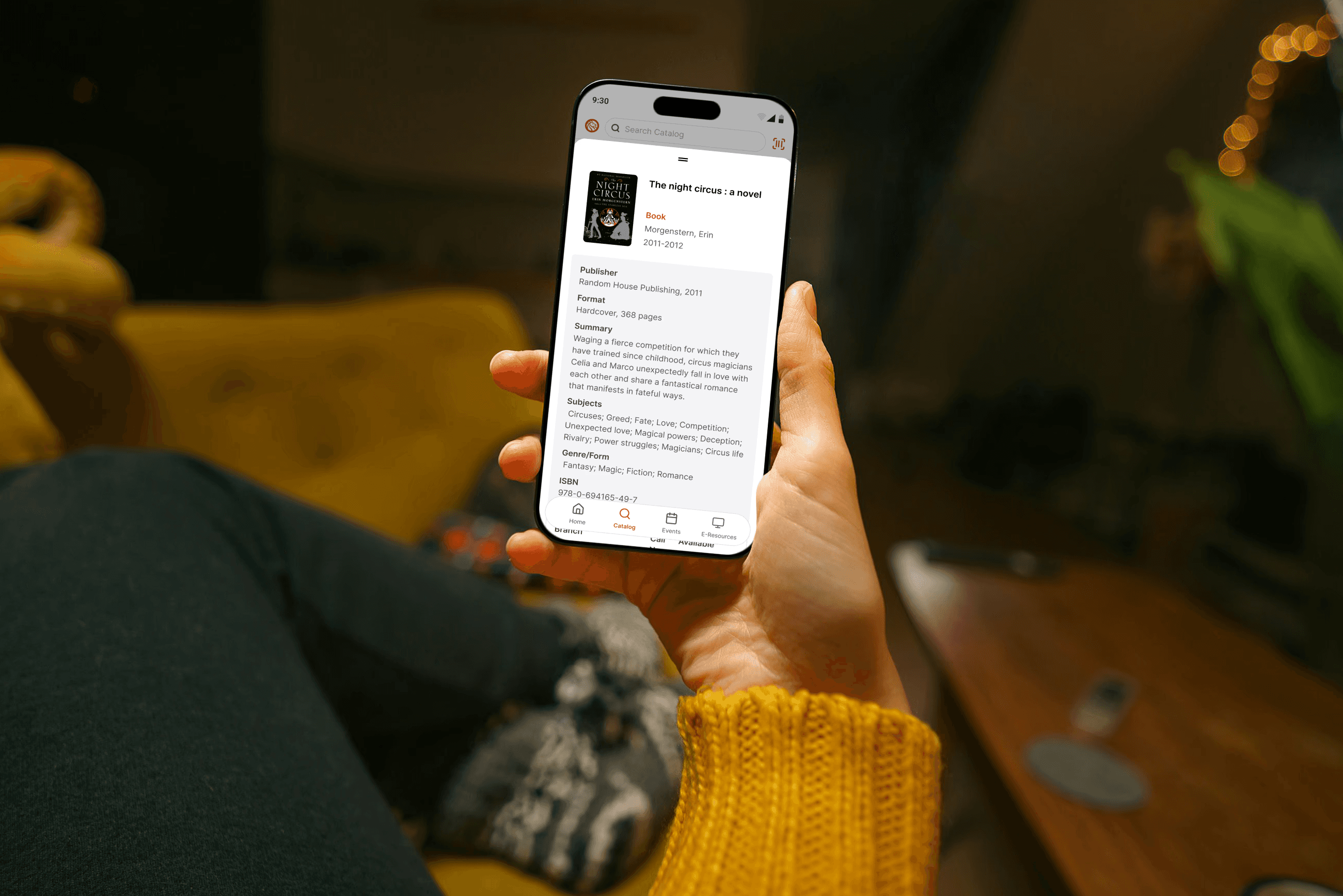
The New York Public Library is the second largest library system in the United States. Its mobile app allows users to browse and borrow from its collection, view and register for events, and access a selection of digital resources.
My Role
This was an independent redesign. I led the product thinking, interaction design, visual design, and prototype development, using Figma Make and Codex to move the work from concept to prototype more quickly.
Challenge
The New York Public Library mobile app offers a wide range of features, but lacks clear prioritization of core user workflows. The experience feels more like a collection of features than a cohesive product, making common tasks harder to complete than they should be.
As a frequent user, I often found myself moving through multiple screens to complete simple actions, or defaulting to the website instead. This highlighted an opportunity to create a more intuitive, workflow-driven experience that not only supports key user needs like borrowing and managing media, but also encourages deeper exploration of everything the library has to offer.
Approach
This was an exploratory redesign focused on improving usability and workflow clarity. Rather than conducting formal research, I grounded the work in a close evaluation of the existing app and my own experience as a user, identifying friction points and opportunities for simplification.
I began by mapping a simplified information architecture and defining the core workflows for the app. From there, I designed an initial homepage and outlined a lightweight product requirements document to clarify scope and direction.
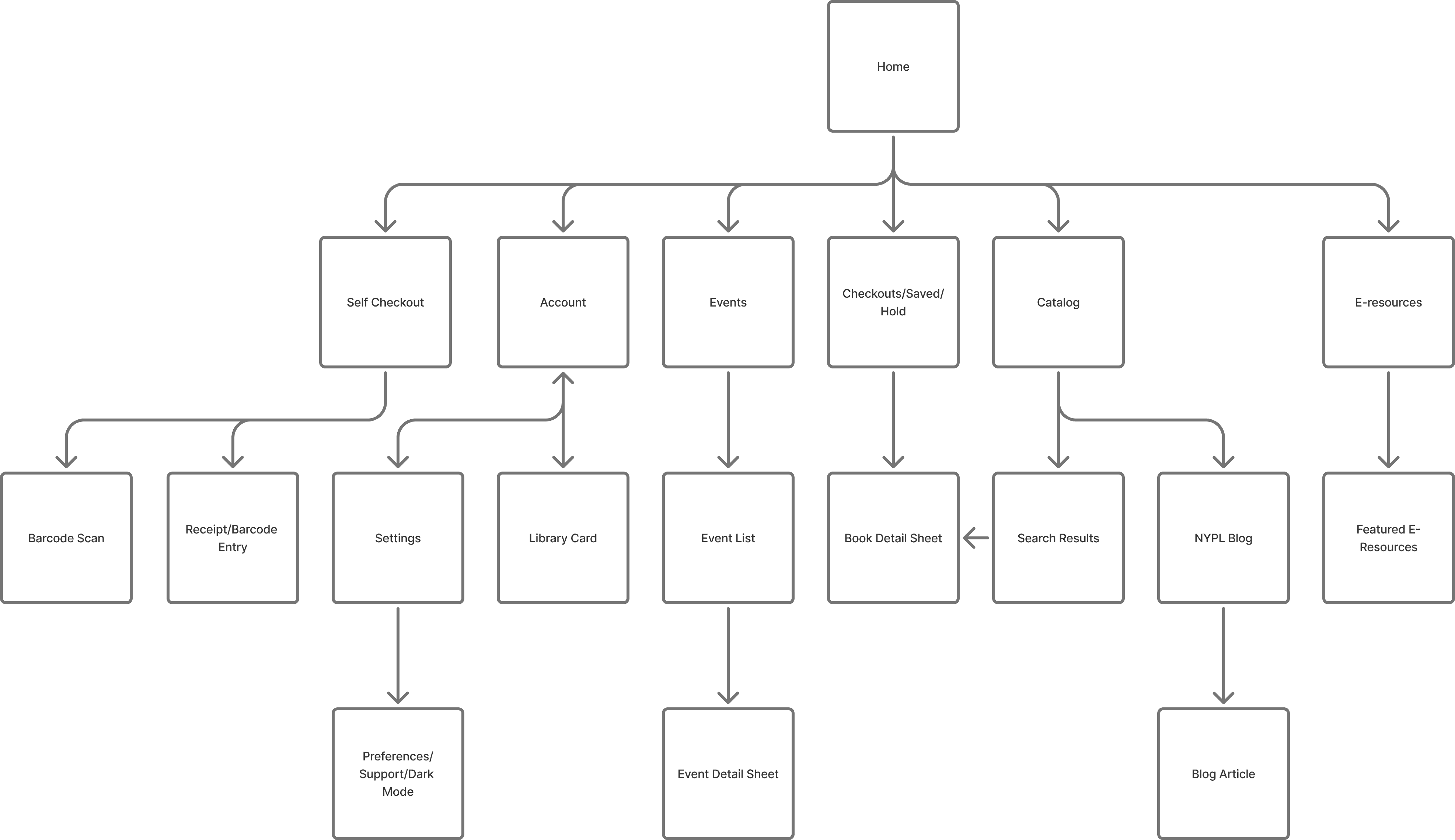
The redesign centers on media borrowing as the primary workflow, with supporting improvements to renewal, discovery, and saving items for later. I also introduced functionality that was available on the web, but missing from the app, such as the ability to save media for future access. At the same time, I left out ideas that depended on structural changes to the library’s current data model, such as directly linking from blog content to catalog entries.
After generating initial concepts in Figma, I refined the designs through multiple iterations and built a coded prototype to validate interactions and feasibility, using Codex to help manage complexity and move through development more quickly.
Interactive Demo
What Changed
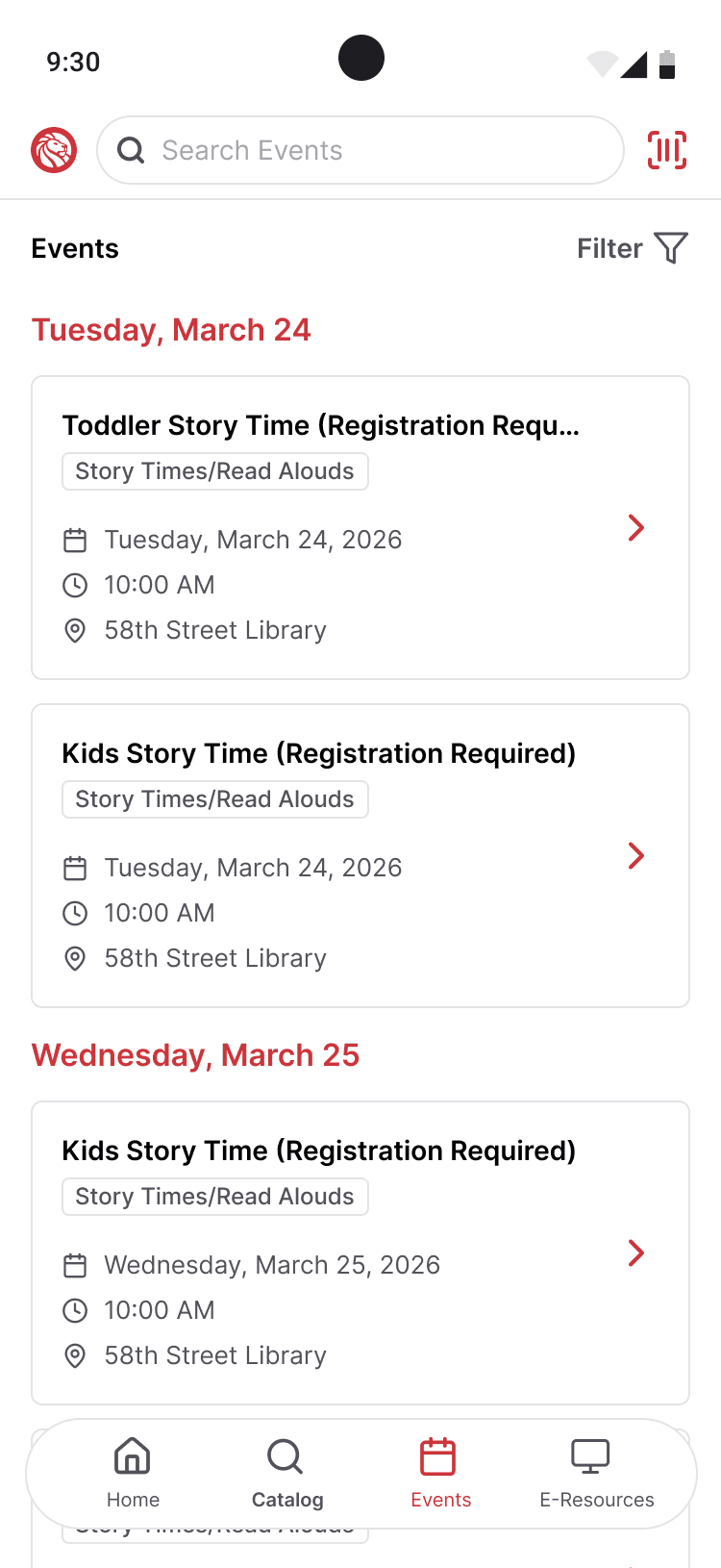
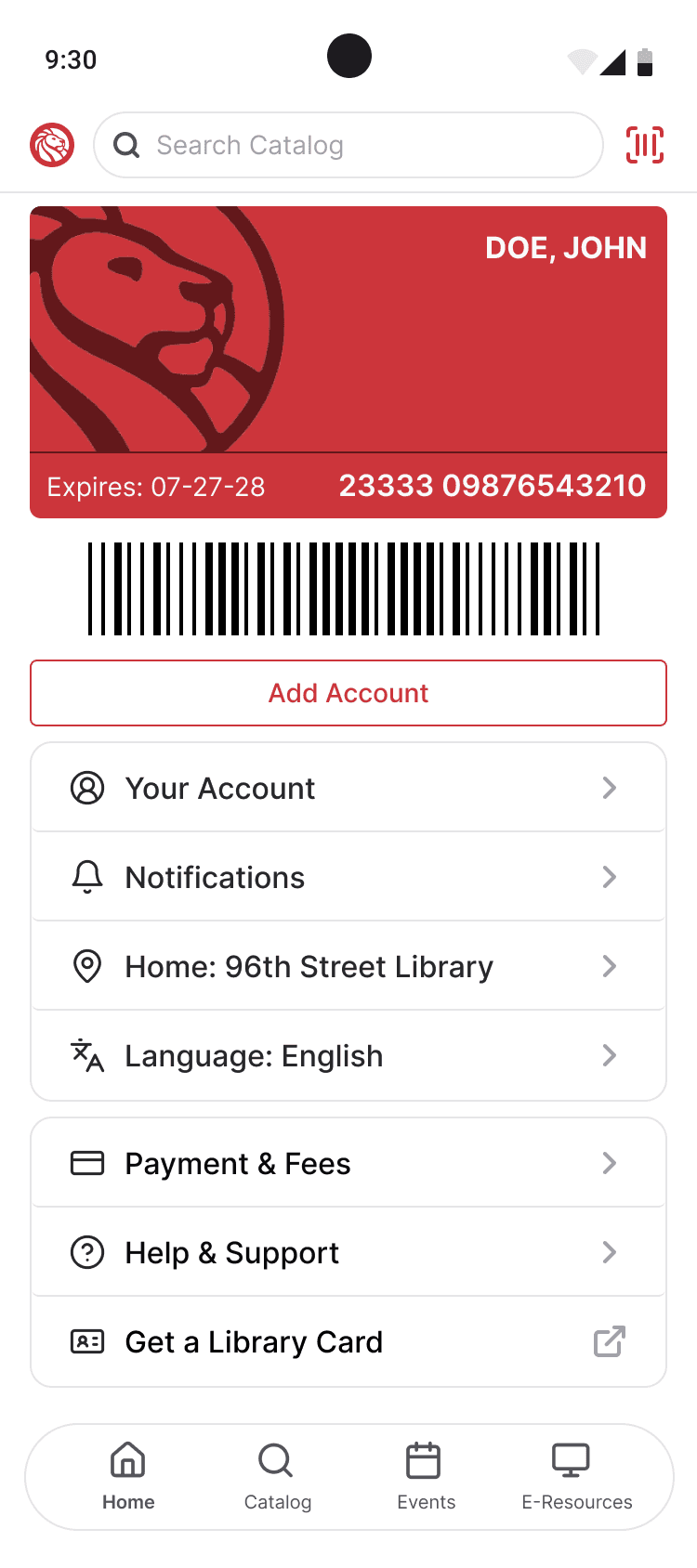
The existing app greeted users with links to features, but did little to prioritize what most people were there to do. In the redesign, the homepage shifts from a directory-style entry point to a workflow-driven one, bringing the most important actions to the surface and making the experience feel more personal and immediately useful.
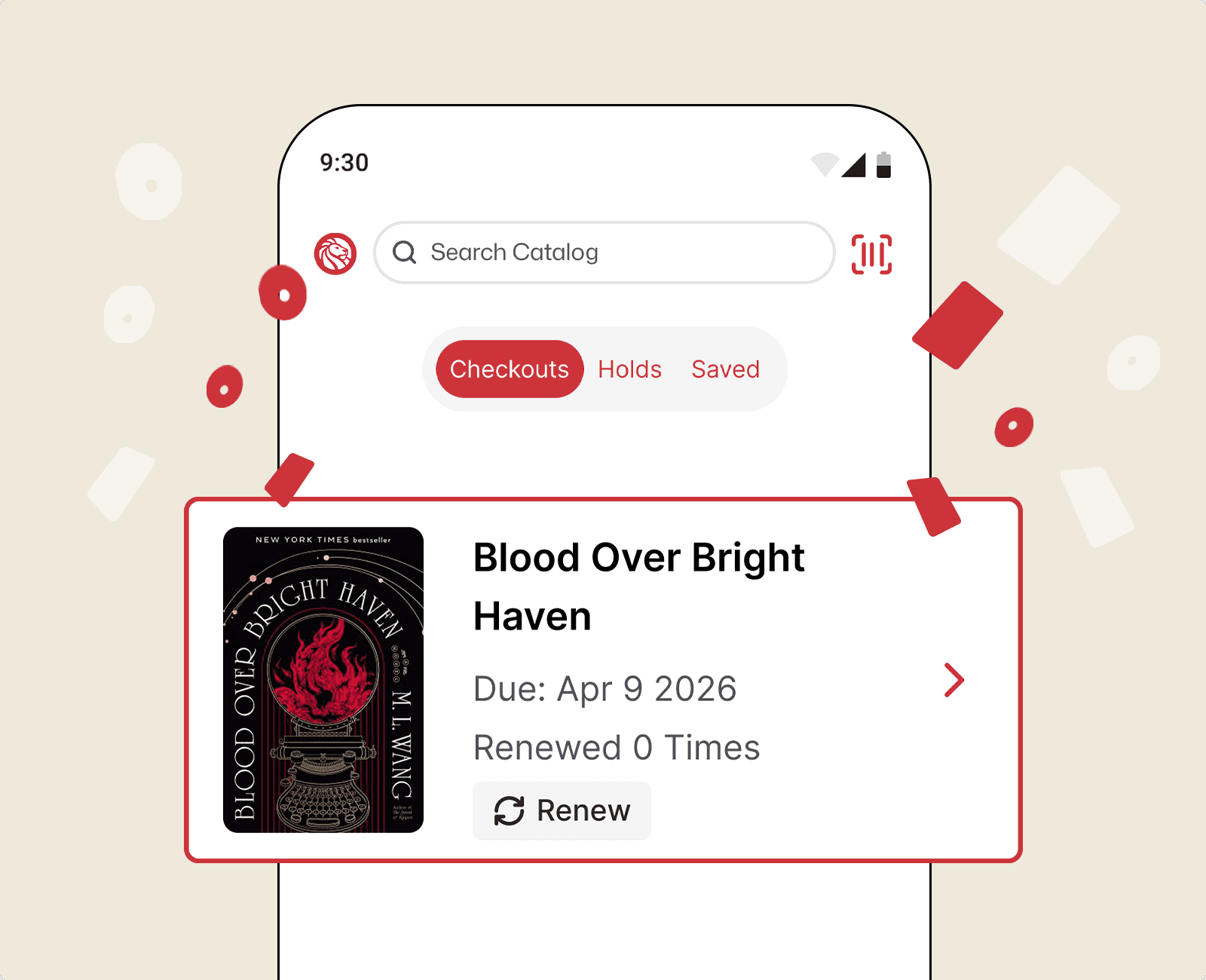
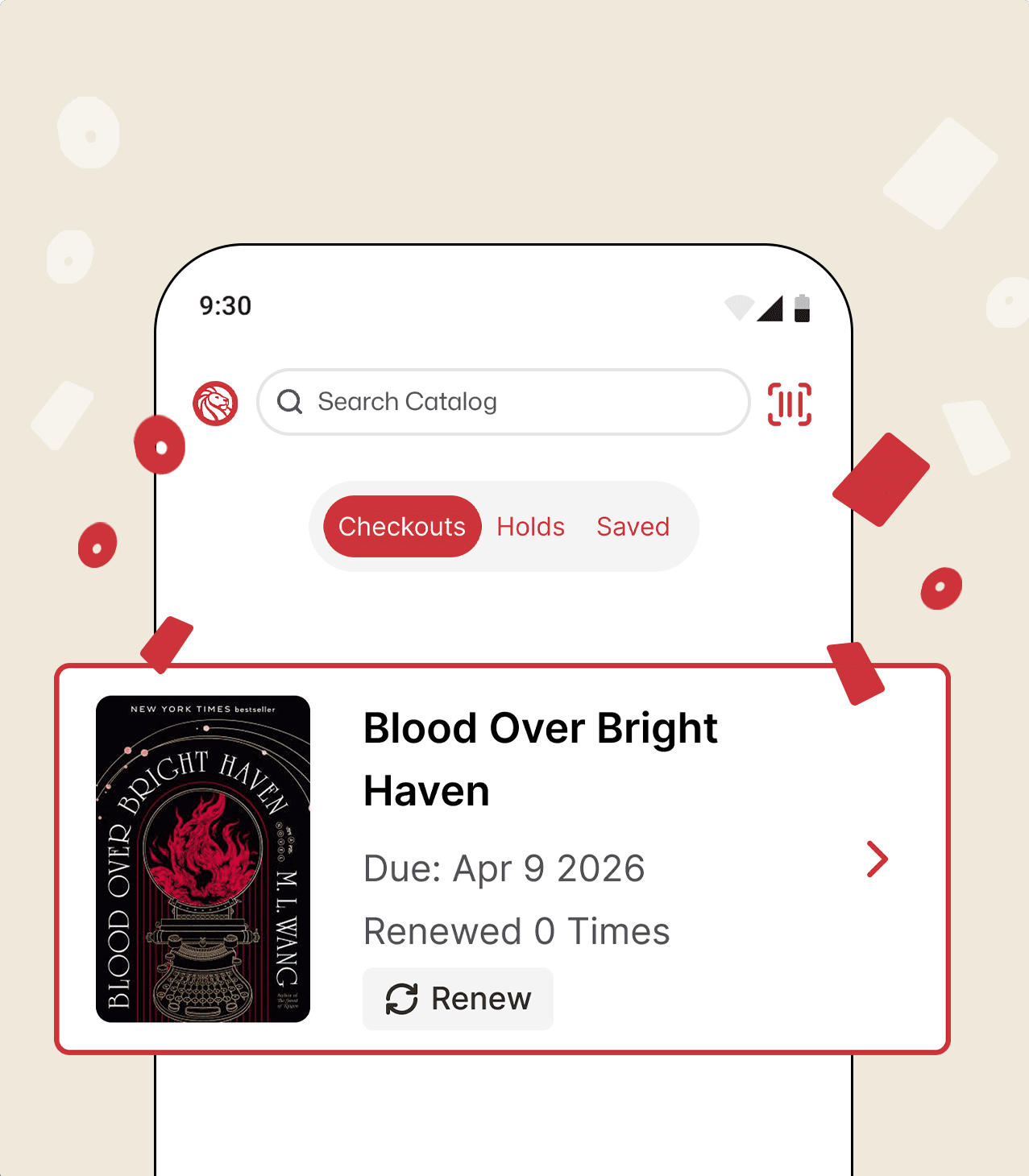
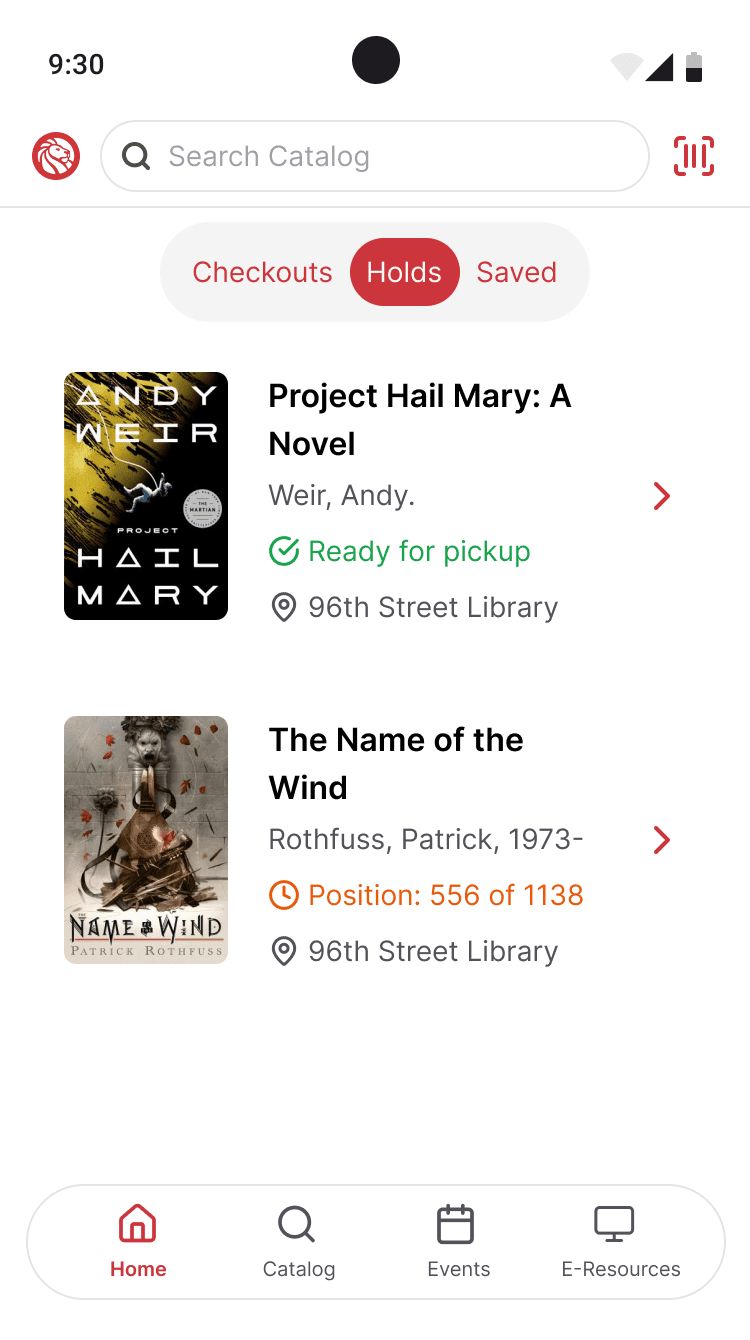
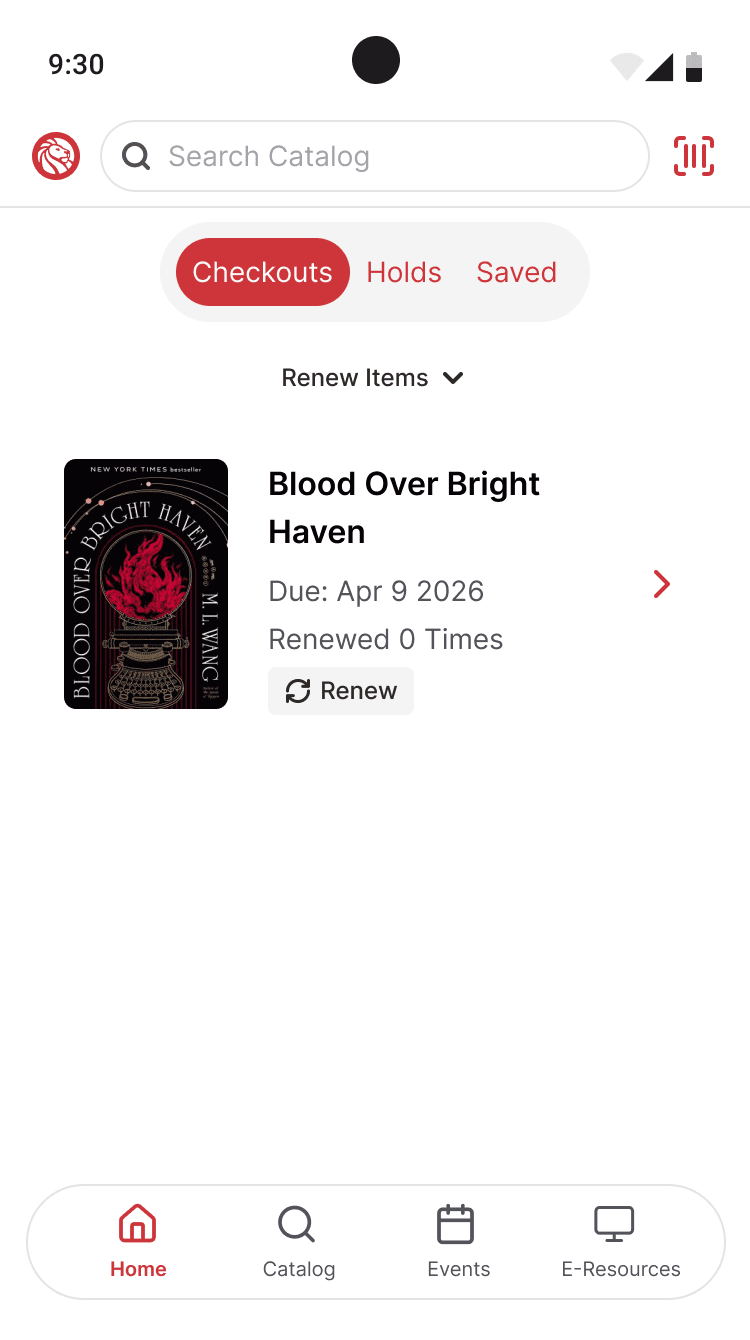
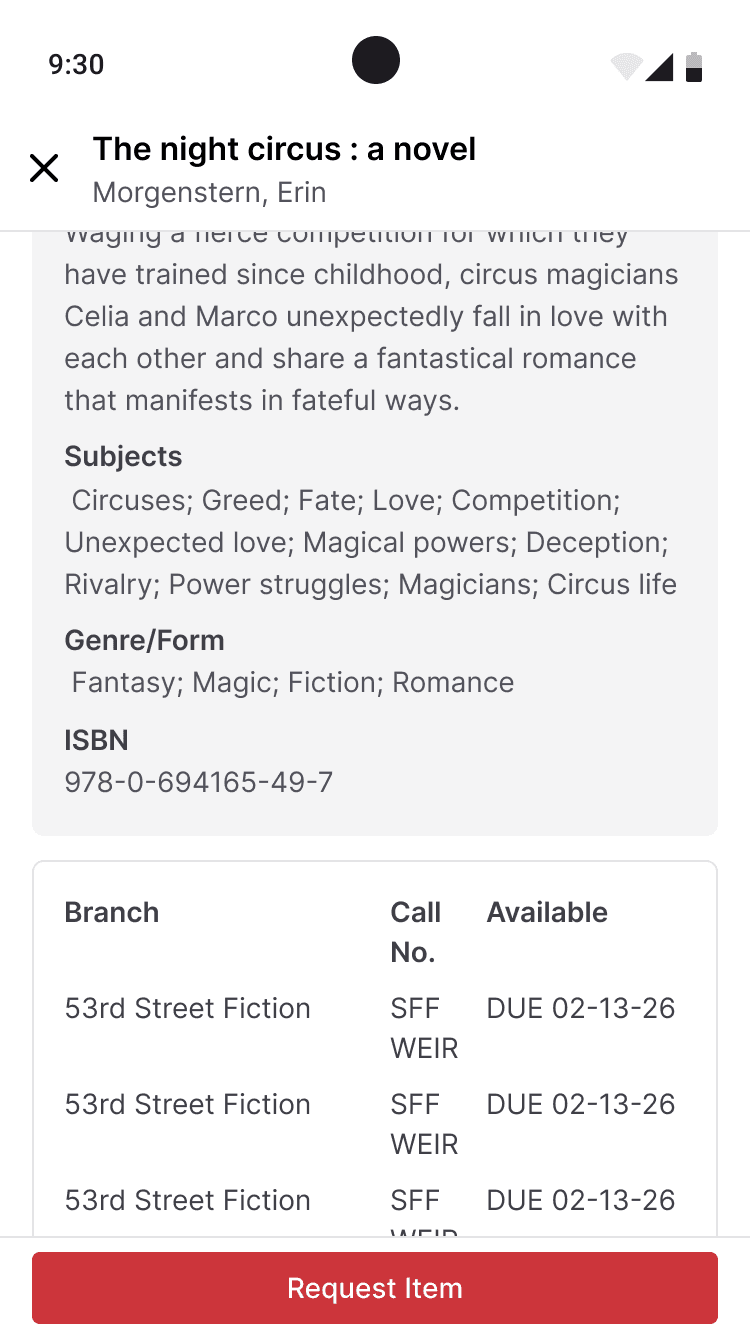
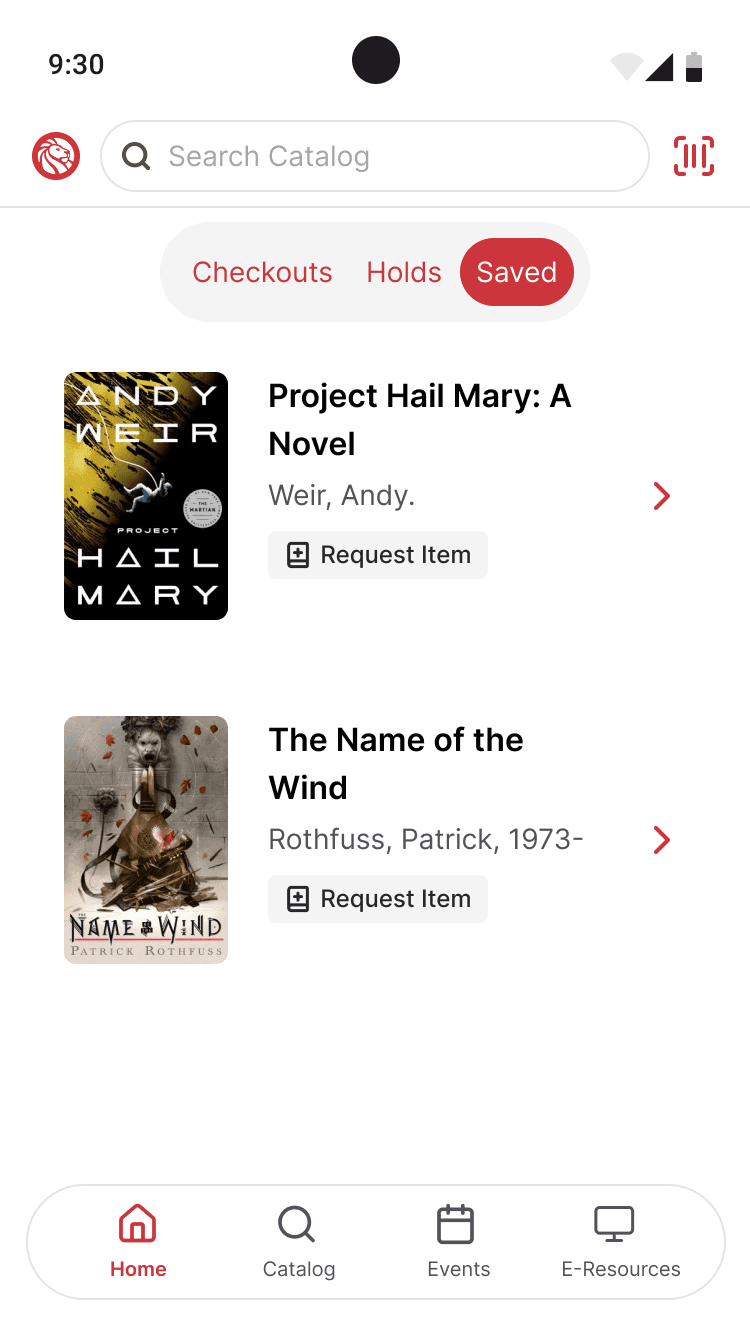
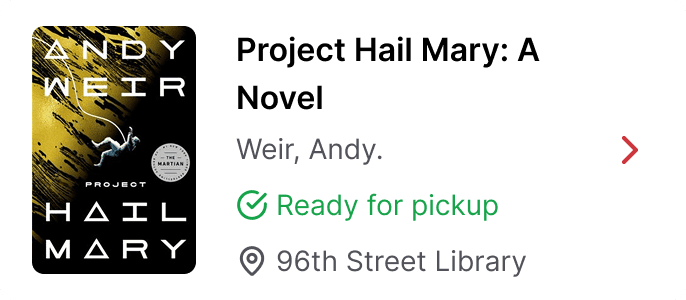
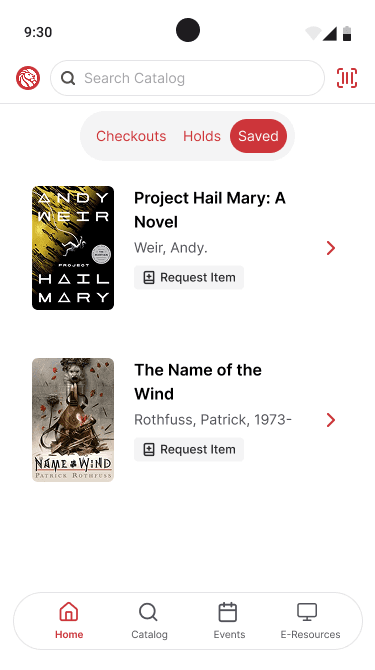
Checkouts, holds, and saved media are now accessible from the main page rather than buried behind multiple layers of navigation. Because borrowing and managing media are the core services most users associate with the library, I treated them as the primary workflow and made them easier to access and manage.
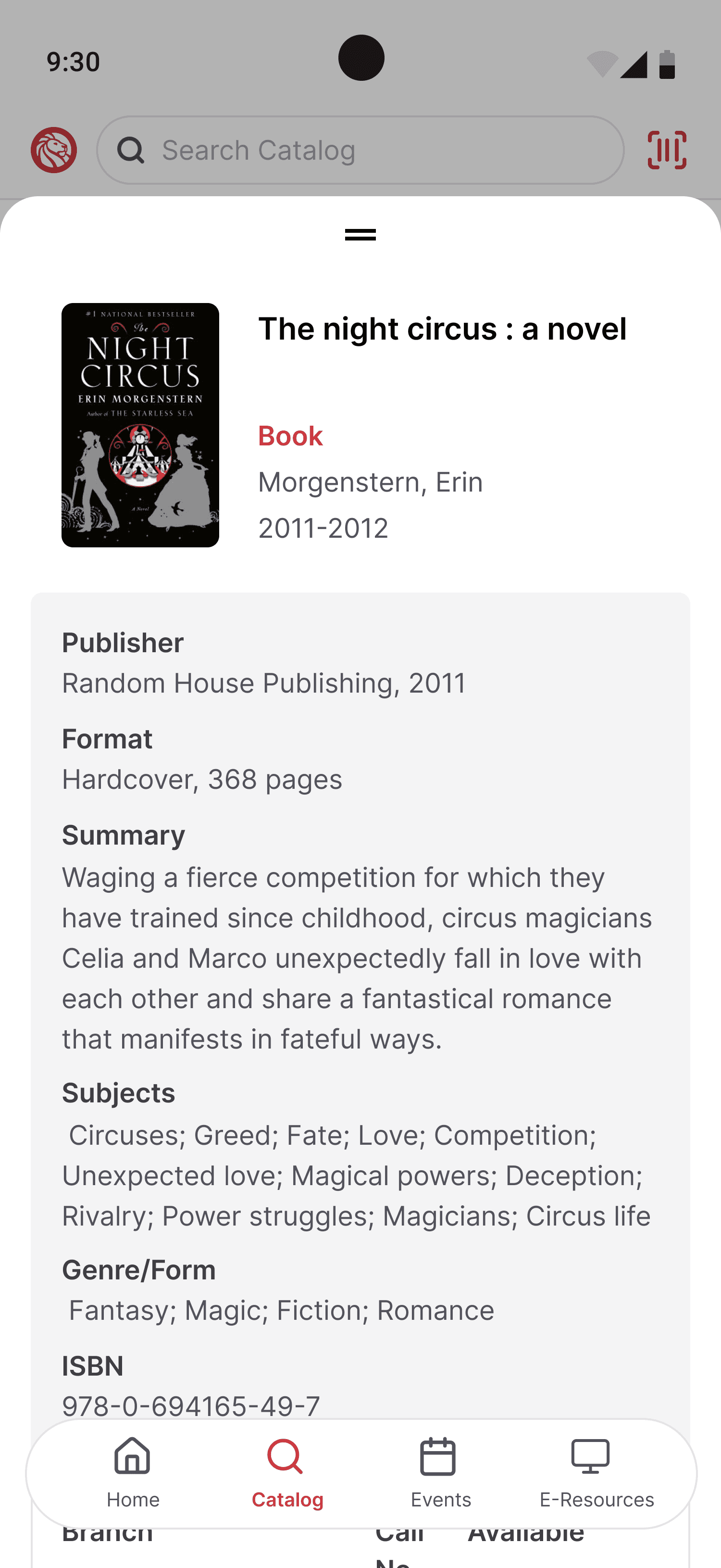
Saved media is newly introduced to the mobile experience, bringing in functionality that was previously available on the web but missing from the app. Saving items creates a simpler way to keep track of books and makes it easier for users to return to titles they are considering before requesting them.
I also improved the visibility of actions tied to borrowed and saved media. Requesting, holding, and canceling actions are now presented more clearly based on the context in which an item is being viewed, reducing confusion and helping prevent dead-end actions, like attempting to request a book that is already checked out.
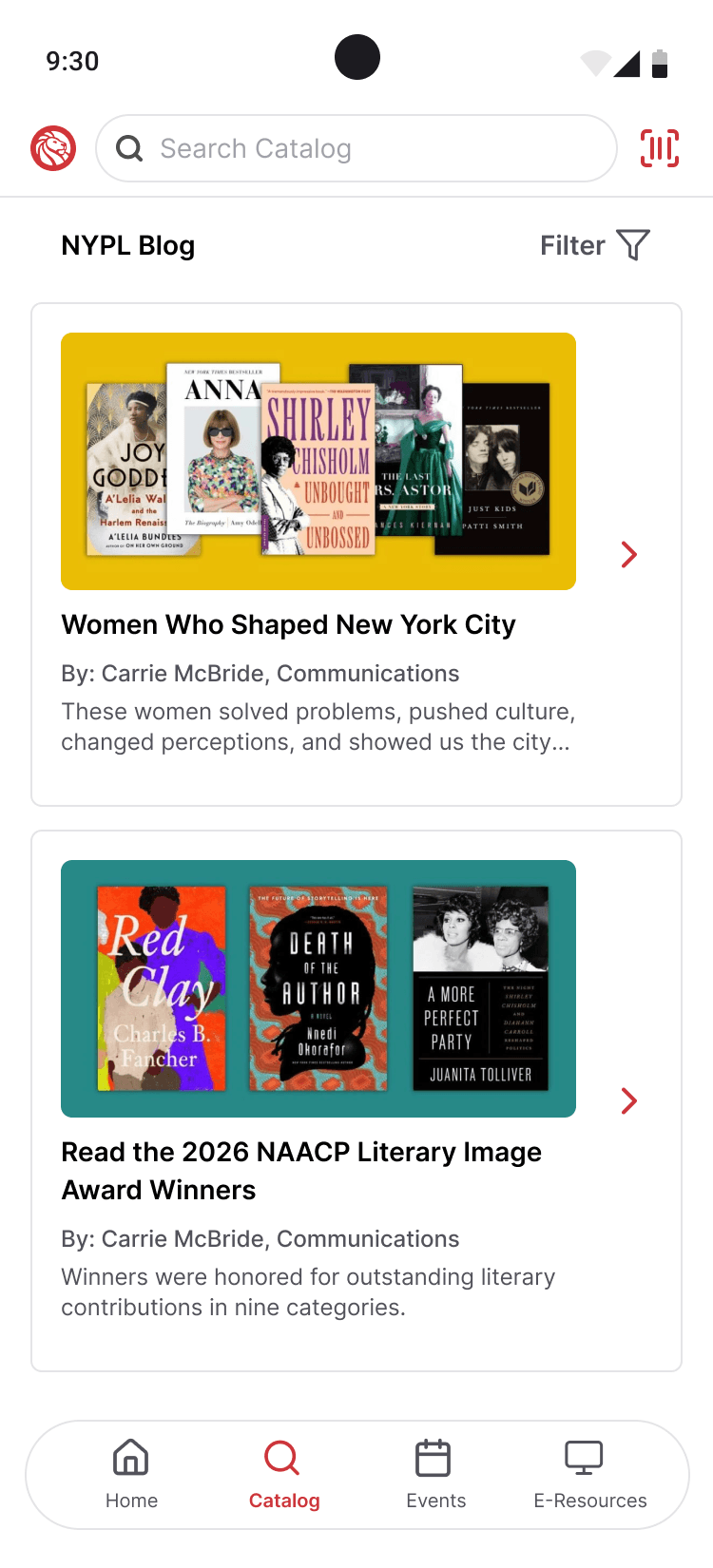
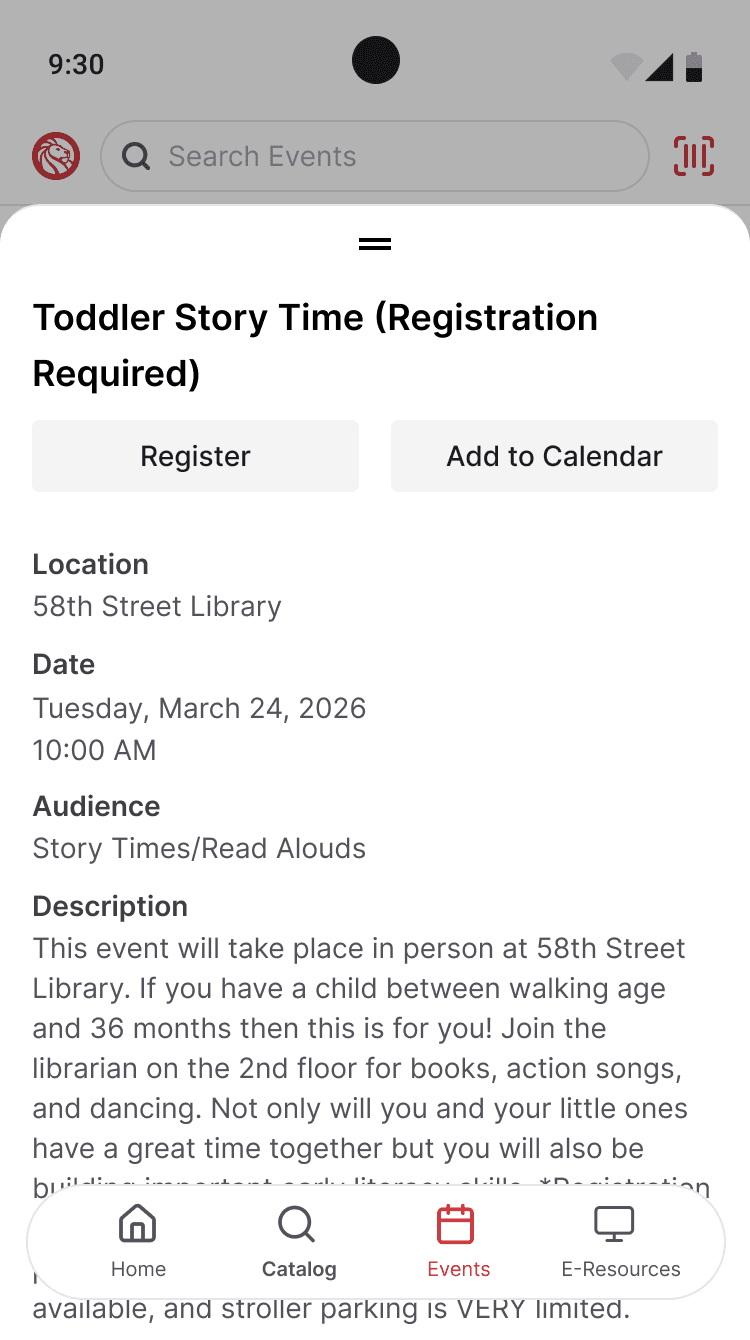
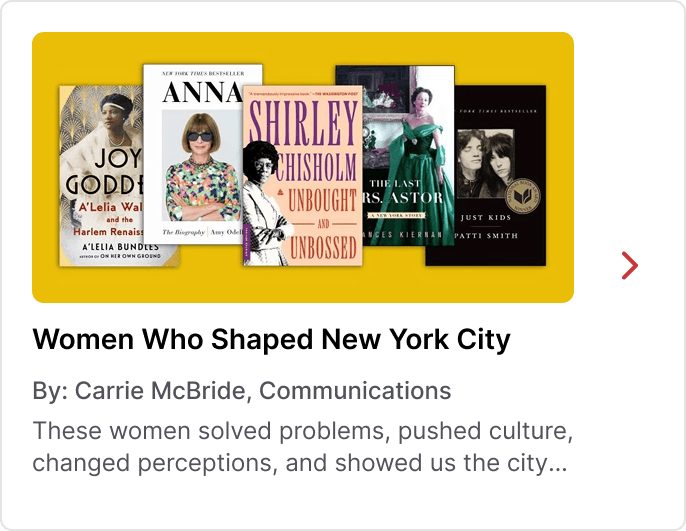
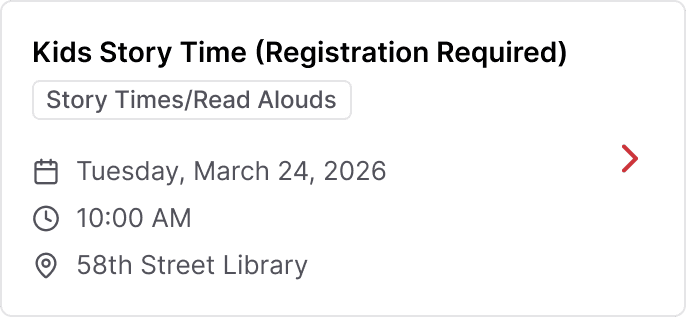
Discovery was also expanded beyond just searching. In the current app, users are expected to know what they are looking for before they can find anything. The redesign introduces more opportunities to surface recommendations and NYPL editorial content, making it easier for users to explore books through themes like “Women Who Shaped NYC,” rather than only through direct search.

Decisions + Trade-Offs
Because this was an exploratory redesign, I focused on changes that could make a real impact without depending on an overhaul of the library’s existing systems. I chose to center borrowing and media management because they are the most immediate tasks for many users and the clearest place to improve usability. At the same time, I wanted the app to support more open-ended exploration, not just direct search, which led me to surface recommendations and editorial content in ways that encourage browsing. Some ideas depended on a deeper level of catalog integration than the current system could support, so I left those out rather than force solutions that felt unrealistic.
Conclusion
This redesign was centered on the simple product goal of making the app more useful from the moment a user opens it. That meant prioritizing the workflows people return to most, reducing unnecessary steps, and creating more room for discovery without losing sight of the constraints of the existing system.